
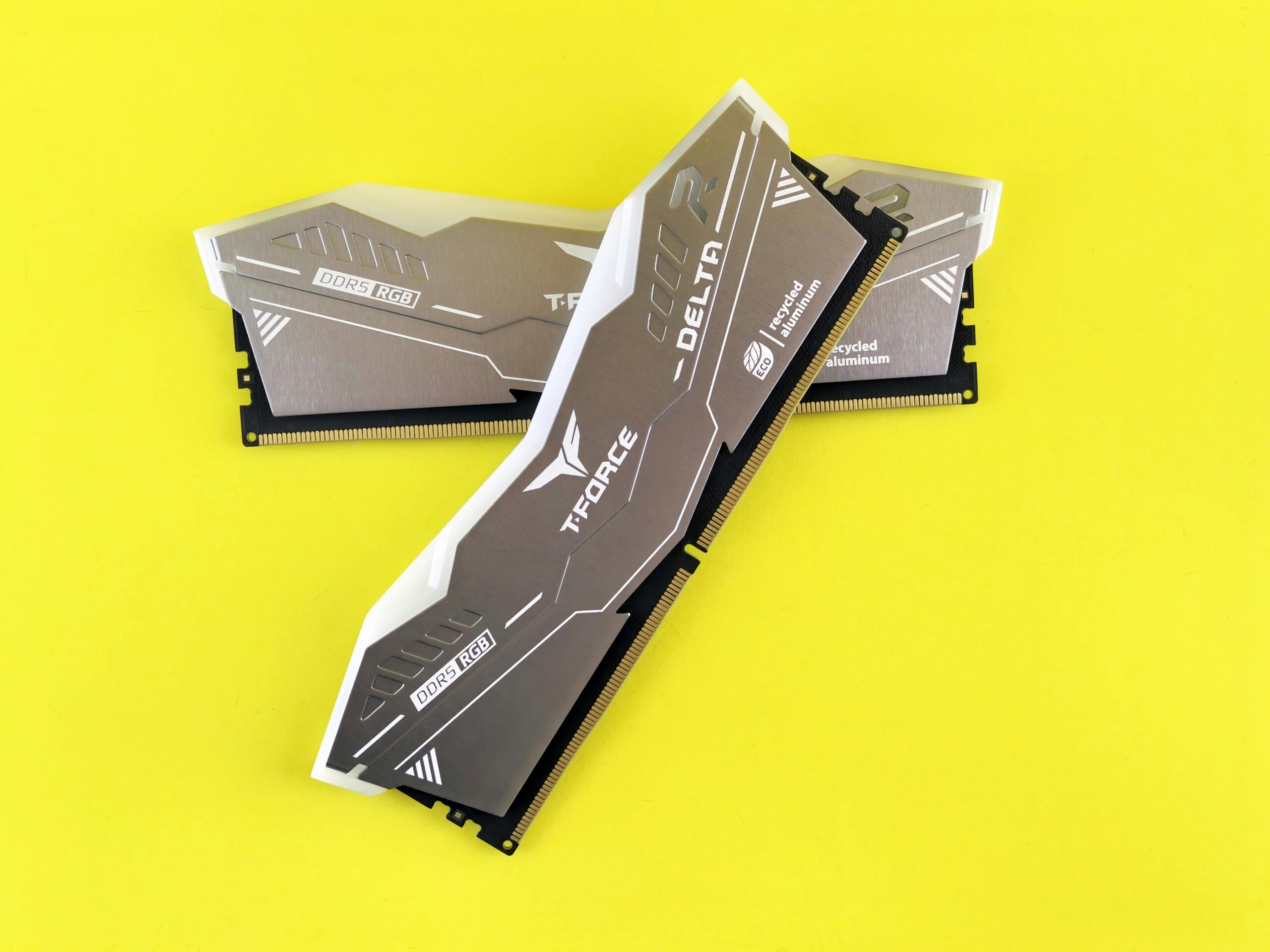
In 2025, choosing the right amount of RAM (Random Access Memory) for your laptop is more important than ever. From everyday tasks like browsing and streaming to resource-intensive workloads like gaming, video editing, and AI applications, RAM plays a pivotal role in determining speed, responsiveness, and multitasking ability. This guide explores RAM requirements for various users, explains the types of RAM, and provides recommendations to future-proof your laptop.
What is RAM and Why Does It Matter?
RAM is a laptop’s short-term memory, where active programs, operating system processes, and data in use are stored for fast access. Unlike storage drives (HDDs or SSDs), RAM is volatile — it only holds data while the laptop is powered on.
Key Functions of RAM:
- Multitasking: Allows multiple apps to run simultaneously without slowdowns.
- Speed: Determines how quickly your laptop can process active tasks.
- Gaming & Creative Work: Higher RAM helps games run smoothly and enables large media projects.
- System Stability: Prevents crashes or freezes when multiple applications are open.
In short: The more RAM your laptop has, the smoother your experience — up to a point. Beyond a certain amount, additional RAM offers diminishing returns for average users.
Types of RAM in 2025
1. DDR4 vs DDR5
- DDR4 RAM: Still widely used in many laptops. Offers decent speed and power efficiency.
- DDR5 RAM: Becoming standard in 2025 laptops, offering higher bandwidth, faster speeds, and improved power efficiency. Ideal for gaming, content creation, and AI workloads.
Tip: If your laptop supports DDR5 and fits your budget, it’s better for future-proofing. (techradar.com
)
2. LPDDR4X / LPDDR5
- Low-Power DDR (LPDDR): Used in ultrabooks and Apple M-series laptops for longer battery life.
- LPDDR5 offers faster speeds and lower power consumption than LPDDR4X.
- Common in thin, light laptops like MacBook Air M2/M3 or Dell XPS 13/15.
3. RAM Speed (MHz) and Latency
- RAM speed (measured in MHz) affects how fast data moves between RAM and CPU.
- DDR5 often starts at 4800MHz+, DDR4 usually around 3200MHz.
- Lower latency improves responsiveness, especially in gaming and creative apps.
Tip: Faster RAM benefits gaming, rendering, and AI workloads more than basic browsing or office tasks.
RAM Requirements by Use Case in 2025
1. Basic Users (Web Browsing, Office, Streaming)
- Recommended RAM: 8GB
- Use Cases:
- Web browsing (10–20 tabs)
- Office apps (Word, Excel, PowerPoint)
- Streaming videos, social media
- Light multitasking
Reasoning: 8GB is sufficient for basic tasks without noticeable slowdowns. (lifewire.com
)
Note: If you open many tabs, run multiple apps, or use cloud-based platforms heavily, 16GB may provide smoother performance.
2. Students & Professionals (Multitasking, Productivity, Coding)
- Recommended RAM: 16GB
- Use Cases:
- Running office suites alongside multiple browser tabs
- Coding environments and IDEs (Visual Studio, PyCharm, etc.)
- Virtual meetings while using productivity apps
- Light photo editing and casual video editing
Reasoning: 16GB allows smooth multitasking and reduces slowdowns. This is a good balance between cost and performance for most professionals.
3. Gamers (1080p/1440p Gaming, Esports, AAA Titles)
- Recommended RAM: 16–32GB
- Use Cases:
- Modern AAA games
- High-refresh-rate gaming (144Hz+)
- Game streaming and background apps
- Mod-heavy games
Reasoning: 16GB is typically enough for most games, but 32GB helps with future-proofing, mods, and simultaneous streaming. RAM speed also impacts FPS slightly in CPU-bound games. (pcgamer.com
)
4. Content Creators & Designers (Video Editing, 3D Rendering, AI Workloads)
- Recommended RAM: 32–64GB
- Use Cases:
- Adobe Creative Cloud (Premiere Pro, After Effects, Photoshop)
- 3D rendering (Blender, Maya, AutoCAD)
- AI/ML development or data-heavy tasks
- Large datasets and virtual machines
Reasoning: Creative apps and AI workflows benefit from higher RAM for rendering large files, multitasking, and GPU support. Higher RAM ensures smooth performance and reduces render times.
5. Developers & Power Users
- Recommended RAM: 32GB+
- Use Cases:
- Running multiple virtual machines or containers
- Compiling large codebases
- Running multiple development environments simultaneously
- Machine learning experiments
Reasoning: RAM directly affects the number of simultaneous workloads your laptop can handle. More RAM = less swapping to disk, which improves efficiency.
Laptop RAM Upgradeability in 2025
1. Why Upgradeability Matters
- Many ultrabooks and thin laptops have soldered RAM, meaning it cannot be upgraded.
- Traditional laptops and gaming laptops often allow RAM expansion, letting you future-proof your device.
- Upgradeable laptops save money by starting with 8–16GB and upgrading later.
2. RAM Upgrade Tips
- Check max supported RAM: Laptop specifications often list the maximum supported.
- Dual-channel configuration: Install RAM in pairs (e.g., 2x8GB) for better performance.
- Mixing RAM modules: Avoid mixing different speeds or sizes; can lead to instability.
Common Misconceptions About RAM
- “More RAM always makes the laptop faster.”
- Not true. RAM only matters if you use it all. For basic tasks, 16GB is already sufficient.
- “DDR5 is always better than DDR4.”
- DDR5 offers higher bandwidth, but for light tasks, DDR4 is sufficient. The real benefit is seen in gaming, AI, and high-end workloads.
- “Laptop speed depends mostly on RAM.”
- Speed is also influenced by CPU, GPU, storage (SSD vs HDD), and software optimization.
- “You don’t need to upgrade RAM if storage is large.”
- RAM is volatile memory; having a large SSD doesn’t compensate for insufficient RAM. Insufficient RAM causes disk swapping, which slows down performance.
Tips for Choosing RAM in 2025
1. Match RAM to Your Workflow
- Avoid overspending on RAM if you don’t need it.
- Overestimate slightly if you plan to keep the laptop for 3–5 years.
2. Choose the Right Type
- DDR5 for future-proofing and high-end gaming or creative tasks.
- LPDDR5 for ultrabooks to save battery and reduce weight.
3. Consider Upgradeability
- If your laptop allows upgrading, start with 16GB and upgrade to 32GB later if needed.
- Check manufacturer compatibility lists before buying extra RAM.
4. Dual-Channel RAM
- Always install RAM in matched pairs for optimal performance.
- Single-channel configurations can reduce memory bandwidth, slightly lowering performance in gaming or data-heavy tasks.
Recommended RAM Configurations by Laptop Type in 2025
| Laptop Type | Typical RAM | Notes |
|---|---|---|
| Basic / Office | 8GB | Sufficient for web, office, streaming |
| Students / Professionals | 16GB | Smooth multitasking and productivity |
| Gaming (1080p) | 16–32GB | Future-proof, streaming, AAA games |
| Gaming (1440p / 4K) | 32GB | High-refresh, mods, simultaneous apps |
| Content Creators | 32–64GB | Video editing, 3D rendering, AI |
| Developers / Power Users | 32–64GB | VMs, large projects, multitasking |
Conclusion: How Much RAM Do You Really Need in 2025?
- 8GB: Light users, students, casual browsing, office work.
- 16GB: Most users, professionals, moderate multitasking, 1080p gaming.
- 32GB: Heavy gamers, content creators, developers, future-proofing.
- 64GB+: Power users, AI/machine learning, high-end professional workloads.
Final Advice:
- Identify your primary tasks.
- Choose DDR5 if possible for longevity.
- Consider upgradeable laptops to save initial costs.
- Match RAM with CPU, GPU, and storage for optimal performance.
Investing in the right amount of RAM ensures your laptop in 2025 will be fast, responsive, and future-proof, whether you are gaming, creating content, or simply browsing the web.