
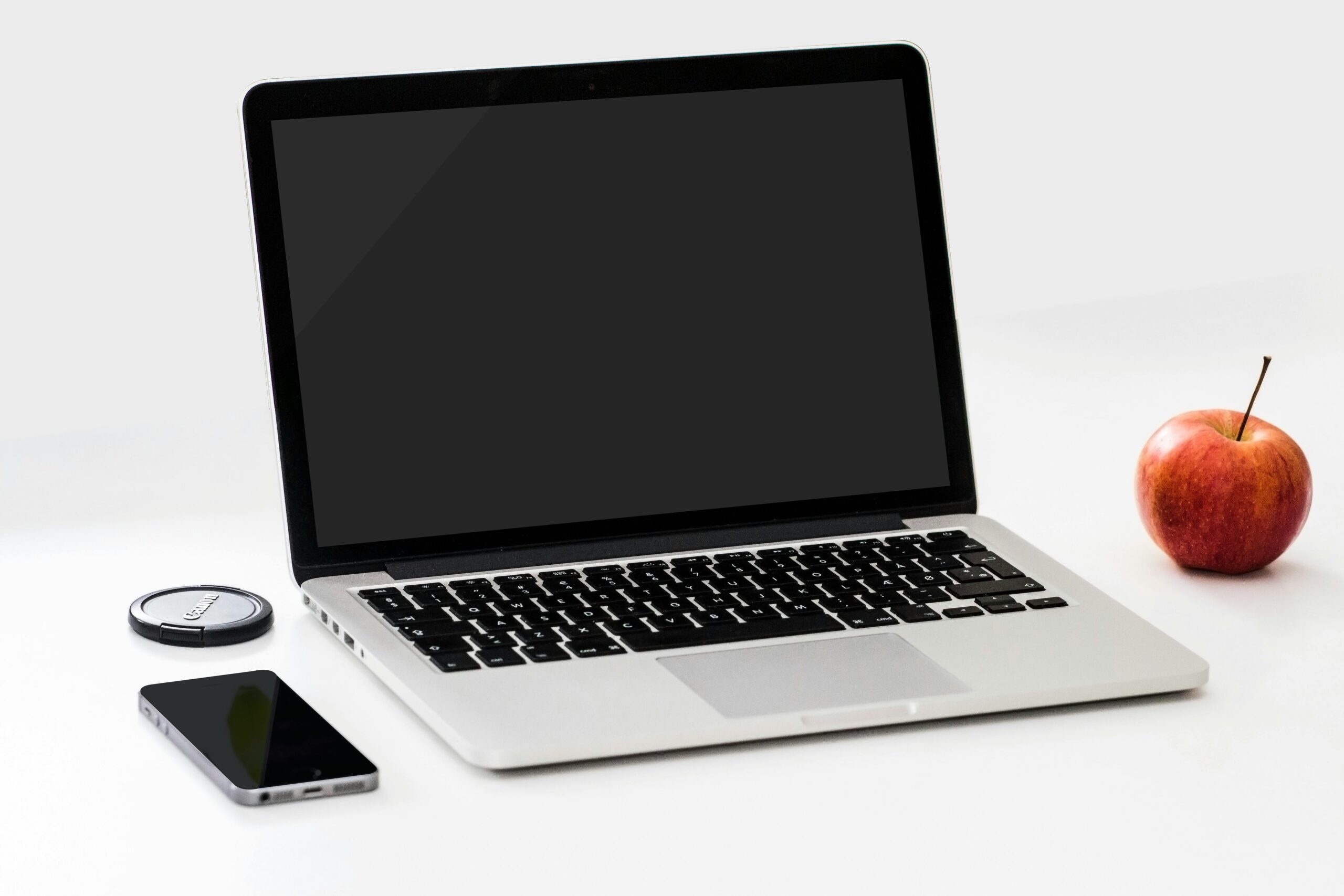
In 2025, a laptop is no longer just a tool for browsing or entertainment—it’s a critical device for productivity, remote work, and professional tasks. Choosing the right laptop for work requires understanding your needs, balancing performance and portability, and investing in a device that will last for several years. This guide provides everything you need to know to select the perfect work laptop.
Why Choosing the Right Laptop for Work Matters
Your work laptop influences:
- Productivity: Faster processors, ample RAM, and SSD storage improve workflow efficiency.
- Mobility: Lightweight and long battery life ensure you can work from anywhere.
- Professional Image: A sleek, reliable laptop enhances credibility in meetings and presentations.
- Software Compatibility: Must support business applications, cloud services, and specialized software.
- Cost Efficiency: A laptop that lasts longer reduces replacement and maintenance costs.
1. Identify Your Work Needs
Before exploring specs, determine how you will use your laptop for work:
Office / Administration:
- Microsoft Office, emails, video calls, web browsing.
- Requires mid-range specs with emphasis on battery life and portability.
Programming / Development:
- Coding, compiling, testing applications, virtual machines.
- Needs powerful CPU, 16GB+ RAM, SSD storage, and potentially a dedicated GPU for certain development environments.
Design / Multimedia / Video Editing:
- Graphic design, video production, 3D modeling.
- Demands high-performance CPU, GPU, large RAM (16–32GB), SSD storage, and high-resolution displays.
Remote Work / Digital Nomads:
- Light productivity apps, video conferencing, cloud-based work.
- Focus on portability, battery life, and connectivity (Wi-Fi 6, LTE/5G optional).
Data Analysis / Business Intelligence:
- Large spreadsheets, databases, analytics software.
- Requires high RAM, fast SSD, multi-core CPU, and good display.
2. Processor (CPU) Matters
The CPU is the brain of your laptop and determines performance.
Options in 2025:
- Intel 12th/13th Gen Core i5/i7/i9: Excellent multitasking and productivity.
- AMD Ryzen 5/7/9 5000 or 6000 Series: Strong performance, efficient energy usage.
- Apple M-series (M2/M3): Optimized for macOS, efficient for creative work and multitasking.
Recommendations:
- Basic office tasks: Intel i3 / Ryzen 3
- Heavy multitasking or programming: Intel i5 / Ryzen 5
- High-end work: Intel i7/i9 / Ryzen 7/9 / Apple M2/M3
Tip: For future-proofing, invest in at least a quad-core CPU.
3. RAM for Smooth Multitasking
RAM enables simultaneous use of applications and prevents slowdowns.
2025 Guidelines:
- 8GB RAM: Basic office work and light multitasking
- 16GB RAM: Moderate multitasking, development, and design work
- 32GB+ RAM: Advanced multimedia, large datasets, and heavy multitasking
Tip: Opt for upgradeable RAM if possible, allowing you to expand as your work demands grow.
4. Storage: SSD vs HDD
Storage type affects speed and performance.
- SSD (Solid State Drive): Faster boot times, quicker file access, more energy-efficient.
- HDD (Hard Disk Drive): Larger storage but slower. Can be used for backups.
- Hybrid: SSD for OS and apps, HDD for additional storage.
Recommended Storage:
- Minimum: 256GB SSD
- Ideal: 512GB–1TB SSD for professional use
Tip: Cloud storage (Google Drive, OneDrive) can supplement local storage for documents and backups.
5. Display Quality for Productivity
A good display reduces eye strain and improves workflow efficiency.
Recommendations:
- Resolution: Full HD minimum; 4K for designers and multimedia professionals
- Panel: IPS or OLED for better colors and viewing angles
- Size: 13–14” for portability, 15–16” for productivity, 17” for workstation setups
- Matte vs Glossy: Matte screens reduce glare for office use
Tip: For coding or spreadsheets, larger screens or external monitors improve productivity.
6. Battery Life and Portability
For mobile professionals, battery life is critical.
Recommendations:
- Office and productivity: 8–12 hours
- Multimedia or heavy-use laptops: 4–6 hours typical
- Ultrabooks or lightweight laptops often offer extended battery life and portability
Tip: Consider laptops with fast charging to quickly regain power during work breaks.
7. Keyboard and Trackpad Quality
Comfortable typing and precise navigation are crucial for long work sessions.
Features to Consider:
- Backlit keyboard for low-light environments
- Comfortable key travel and spacing
- Multi-touch gestures on trackpad for productivity shortcuts
- Optional fingerprint or biometric login for security
8. Connectivity and Ports
Your laptop should support essential peripherals for office or remote work.
Essential Ports:
- USB-A and USB-C for general peripherals
- HDMI or DisplayPort for external monitors or presentations
- SD card reader for creative work
- Audio jack for calls or headphones
Wireless Connectivity:
- Wi-Fi 6 or 6E
- Bluetooth 5.0 or higher
- Optional LTE/5G for remote work
9. Operating System (OS)
Choose an OS based on software requirements and workflow.
Options:
- Windows: Compatible with most software; ideal for office, programming, and business.
- macOS: Optimized for creative work, coding, and design. Excellent for Apple ecosystem users.
- Linux (optional): Preferred by developers, programmers, and tech enthusiasts.
Tip: Ensure compatibility with the software your work requires.
10. Build Quality and Durability
A work laptop must withstand daily commuting and office use.
Features to Look For:
- Metal or aluminum chassis for durability
- Sturdy hinges
- Spill-resistant keyboards
- MIL-STD certified devices for high durability (optional)
Tip: A durable laptop reduces maintenance costs and avoids interruptions in work.
11. Security Features
For work laptops, security is critical.
Key Features:
- Fingerprint scanners or facial recognition
- TPM 2.0 (Trusted Platform Module)
- BIOS/UEFI security features
- Encrypted drives for sensitive data
Tip: Prioritize laptops with built-in security, especially for business or remote work.
12. Price vs Value
Your budget determines what features you can afford.
2025 Pricing Guide:
- Budget: $500–$700 – Suitable for office tasks and students
- Mid-range: $700–$1200 – For multitasking, development, and professional use
- High-end: $1200+ – Creative professionals, gaming, or heavy business workloads
Tip: Balance performance, build quality, and features against your budget. Avoid underpowered laptops for demanding tasks.
13. Laptop Types to Consider
Ultrabooks: Lightweight, portable, long battery life. Best for office professionals and students.
Business Laptops: Dell Latitude, HP EliteBook, Lenovo ThinkPad series. Robust, secure, and durable.
Workstation Laptops: High-end performance, dedicated GPU, suitable for designers, engineers, and video editors.
2-in-1 / Convertible: Offers tablet functionality for presentations, note-taking, and creative work.
14. Additional Tips for 2025 Professionals
- Check Upgradeability: Some laptops allow RAM or storage upgrades.
- External Monitor Support: Multiple monitors boost productivity.
- Software Pre-installed: Check OS and productivity apps compatibility.
- Ergonomics: Consider laptop stands for long work sessions.
- Warranty & Support: Choose brands with reliable after-sales service.
Recommended Laptops for Work in 2025
Budget / Office Use:
- Lenovo ThinkPad E Series
- HP ProBook 400/500 series
- Dell Inspiron 14–15
Mid-Range / Professionals:
- Dell XPS 13/15
- HP Spectre x360
- MacBook Air M2
High-End / Creative Workstations:
- MacBook Pro M2/M3
- Dell XPS 17
- Lenovo ThinkPad P Series
2-in-1 / Convertible Laptops:
- Microsoft Surface Pro 9
- HP Spectre x360
- Lenovo Yoga series
Conclusion
Choosing the right laptop for work in 2025 requires careful consideration of performance, portability, battery life, and security. By evaluating your primary work tasks, CPU, RAM, storage, display, connectivity, and budget, you can select a laptop that enhances productivity and lasts for years.
Key Takeaways:
- Define your workflow and required software first
- Prioritize CPU, RAM, and SSD storage for multitasking efficiency
- Consider portability, battery life, and build quality for daily use
- Balance performance and price to get the best value
A well-chosen laptop is not just a tool—it’s an investment in your productivity and professional success.