
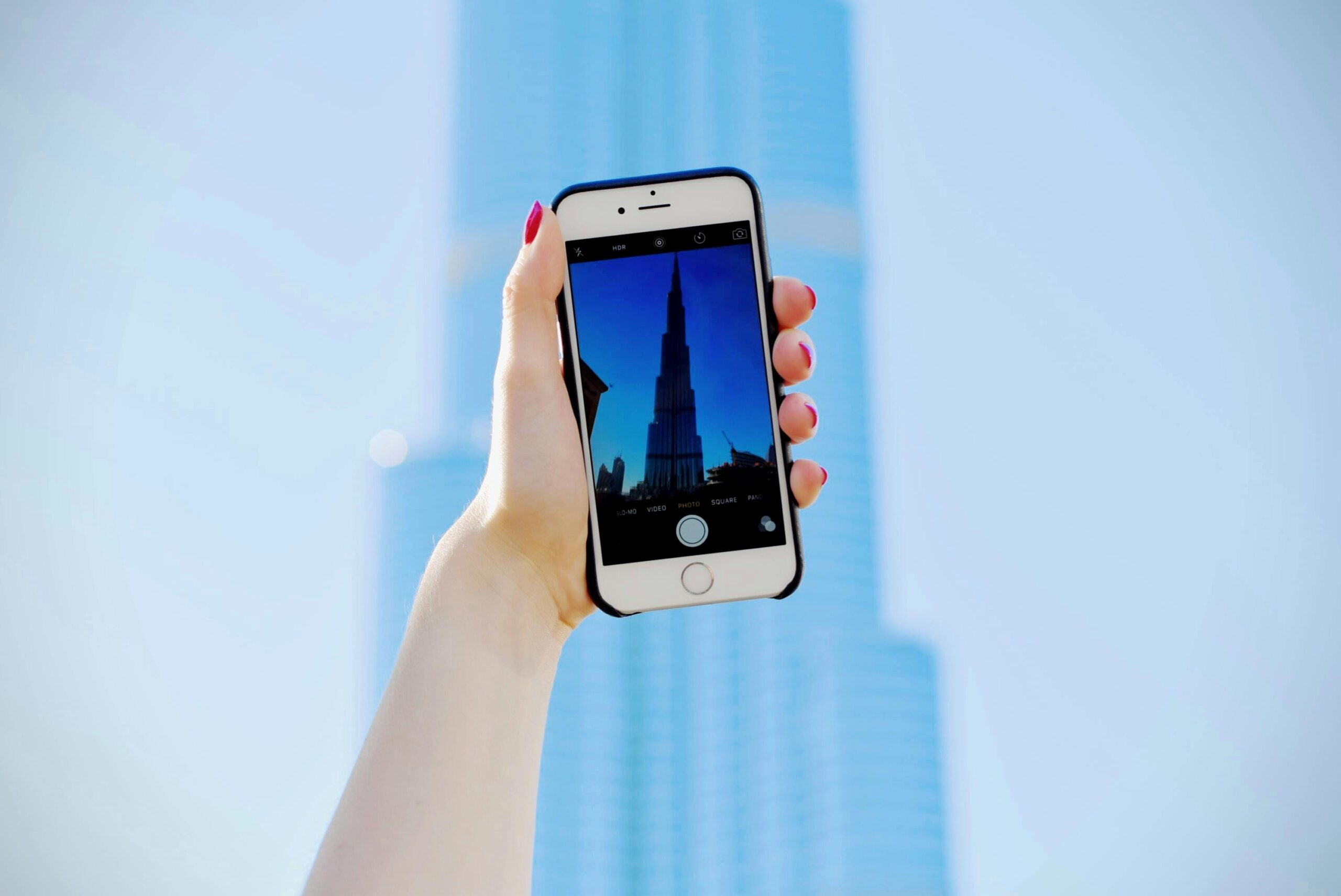
Smartphone cameras have come a long way, and in 2025, mobile photography rivals DSLR quality in many cases. Whether you’re using an Android or iPhone, knowing how to maximize camera features, settings, and shooting techniques can transform your photos from average to professional-grade.
This guide shares practical, pro-level tips to enhance your mobile photography and make the most of your device’s camera capabilities.
Why Mobile Camera Quality Matters
- Social Media Impact: High-quality images attract more engagement on Instagram, TikTok, and other platforms.
- Personal Memories: Clear, vibrant photos preserve your most important moments.
- Professional Use: Many businesses use smartphones for marketing, product photography, and content creation.
- Convenience: Modern phones provide features like night mode, AI enhancement, and optical zoom without bulky equipment.
Even with top-tier hardware, most users don’t exploit hidden camera features, resulting in subpar images.
1. Clean Your Lens Regularly
A simple but often overlooked step.
Tips:
- Use a microfiber cloth to remove fingerprints and dust
- Avoid abrasive materials that scratch the lens
- Clean before each important shoot
Benefit: Sharpens images and prevents blurry or hazy photos.
2. Use Natural Light Whenever Possible
Lighting is the single most critical factor in photography.
Tips:
- Shoot near windows, doors, or outdoors
- Avoid direct harsh sunlight; use diffused light for soft shadows
- Golden hour (early morning or late afternoon) creates warm, professional tones
Benefit: Reduces noise and improves color accuracy.
3. Avoid Digital Zoom
Digital zoom reduces image quality by enlarging pixels.
Tips:
- Physically move closer to your subject instead of zooming
- Use optical zoom if your phone supports it
- Crop images after shooting instead of using digital zoom
Benefit: Maintains sharpness and detail.
4. Enable Gridlines for Composition
Most smartphones allow gridlines to follow the Rule of Thirds, a basic photography principle.
Tips:
- Settings → Camera → Enable Gridlines
- Align subjects along intersections for balanced composition
Benefit: Creates visually appealing and professional-looking photos.
5. Use HDR Mode for High-Contrast Scenes
HDR (High Dynamic Range) improves detail in bright and dark areas.
Tips:
- Turn on HDR in challenging lighting conditions
- Avoid using HDR for fast-moving subjects to prevent blur
Benefit: Produces evenly lit photos with rich detail.
6. Experiment With Manual/Pro Mode
Many smartphones offer manual controls for advanced users.
Settings to Adjust:
- ISO: Controls sensor sensitivity to light
- Shutter speed: Adjust for motion or low light
- White balance: Achieve natural colors
- Focus: Tap or use manual focus for sharpness
Benefit: Gives professional-level control over your photos.
7. Stabilize Your Phone
Camera shake is a common cause of blurry images.
Tips:
- Use a tripod or phone stand for long exposures
- Hold the phone with both hands and stabilize against your body
- Use optical image stabilization (OIS) if available
Benefit: Produces sharper, crisper photos, especially in low light.
8. Use Portrait Mode for Depth
Portrait mode creates a professional bokeh effect by blurring the background.
Tips:
- Keep subjects 2–6 feet from the background for best results
- Use lighting to separate subject from background
- Avoid cluttered backgrounds that may confuse the software
Benefit: Creates aesthetically pleasing portraits with professional depth.
9. Adjust Exposure and Focus
Most cameras allow manual adjustment of exposure and focus.
Tips:
- Tap on the subject to focus and adjust exposure
- Slide brightness up or down for optimal lighting
- Lock focus for consistent shots in a series
Benefit: Ensures well-lit and sharp images every time.
10. Explore Night Mode and Low-Light Photography
Low-light photography is often challenging, but modern phones excel at it.
Tips:
- Use Night Mode or long exposure settings
- Keep the phone stable to prevent blur
- Avoid using flash unless necessary; it can wash out colors
Benefit: Captures detailed photos in dim conditions without grainy noise.
11. Shoot in RAW Format
RAW format preserves all image data for post-processing.
Tips:
- Enable RAW/ProRAW mode in camera settings
- Use editing apps like Lightroom or Snapseed for adjustments
- Combine with HDR for best results
Benefit: Provides maximum control over exposure, color, and detail.
12. Use Third-Party Camera Apps
Built-in camera apps are powerful, but third-party apps can unlock more features.
Recommended Apps:
- Android: Camera FV-5, ProShot, Open Camera
- iOS: Halide, ProCamera, VSCO
Benefits:
- Advanced manual controls
- Customizable settings and filters
- Better file format and image quality options
13. Edit Photos Like a Pro
Post-processing enhances images without degrading quality.
Tips:
- Adjust brightness, contrast, highlights, and shadows
- Use selective edits to enhance parts of the image
- Avoid over-editing that makes photos look unnatural
Apps:
- Lightroom Mobile, Snapseed, VSCO, Photoshop Express
Benefit: Transforms ordinary shots into professional-grade photos.
14. Leverage AI and Computational Photography
Modern smartphones use AI to improve image quality automatically.
Examples:
- AI scene detection for better exposure
- Smart HDR and color enhancement
- Automatic noise reduction in low-light shots
Tips: Experiment with AI features but also learn manual adjustments for maximum control.
Benefit: Produces consistently high-quality images with minimal effort.
15. Experiment With Angles and Perspectives
Changing angles can dramatically improve the visual impact.
Tips:
- Shoot from high or low angles for dramatic effect
- Use leading lines and symmetry for composition
- Avoid shooting only at eye level
Benefit: Creates visually engaging photos that stand out.
16. Use Burst Mode for Action Shots
For fast-moving subjects, burst mode increases your chances of a perfect shot.
Tips:
- Hold the shutter button to capture multiple frames
- Select the best image afterward
- Ideal for sports, pets, and kids
Benefit: Captures fleeting moments without blur.
17. Mind the Background
Background clutter can distract from your subject.
Tips:
- Choose simple, clean backgrounds
- Use bokeh effect or portrait mode to blur distracting elements
- Consider color contrast to make the subject pop
Benefit: Keeps focus on the subject and improves overall photo quality.
18. Use Lenses and Accessories
External lenses and accessories can enhance mobile photography.
Options:
- Wide-angle, macro, and telephoto clip-on lenses
- Tripods and stabilizers for steady shots
- LED lights for consistent lighting
Benefit: Expands creative possibilities and improves professional output.
19. Learn About Color and Composition
Photography basics matter even on mobile.
Tips:
- Use the Rule of Thirds, symmetry, and leading lines
- Pay attention to color contrast and harmony
- Experiment with framing and layering
Benefit: Creates more visually appealing images that draw attention.
20. Practice Regularly
The best way to improve mobile photography is consistent practice.
Tips:
- Take photos daily in different conditions
- Review your shots and identify areas for improvement
- Experiment with different modes, angles, and lighting
Benefit: Develops an intuitive understanding of your phone camera’s capabilities.
Conclusion
Improving mobile camera quality in 2025 is about combining technical knowledge, creative skills, and smart use of device features. With modern smartphones, it’s possible to produce professional-quality photos without expensive equipment.
Key Takeaways:
- Clean your lens, use natural light, and avoid digital zoom
- Leverage manual/pro modes, HDR, and Night Mode for better control
- Optimize composition, angles, and backgrounds for visually appealing shots
- Edit professionally using apps and take advantage of AI enhancements
- Practice consistently to master your device’s capabilities
By following these tips, you can elevate your mobile photography and capture stunning images that rival professional cameras.