
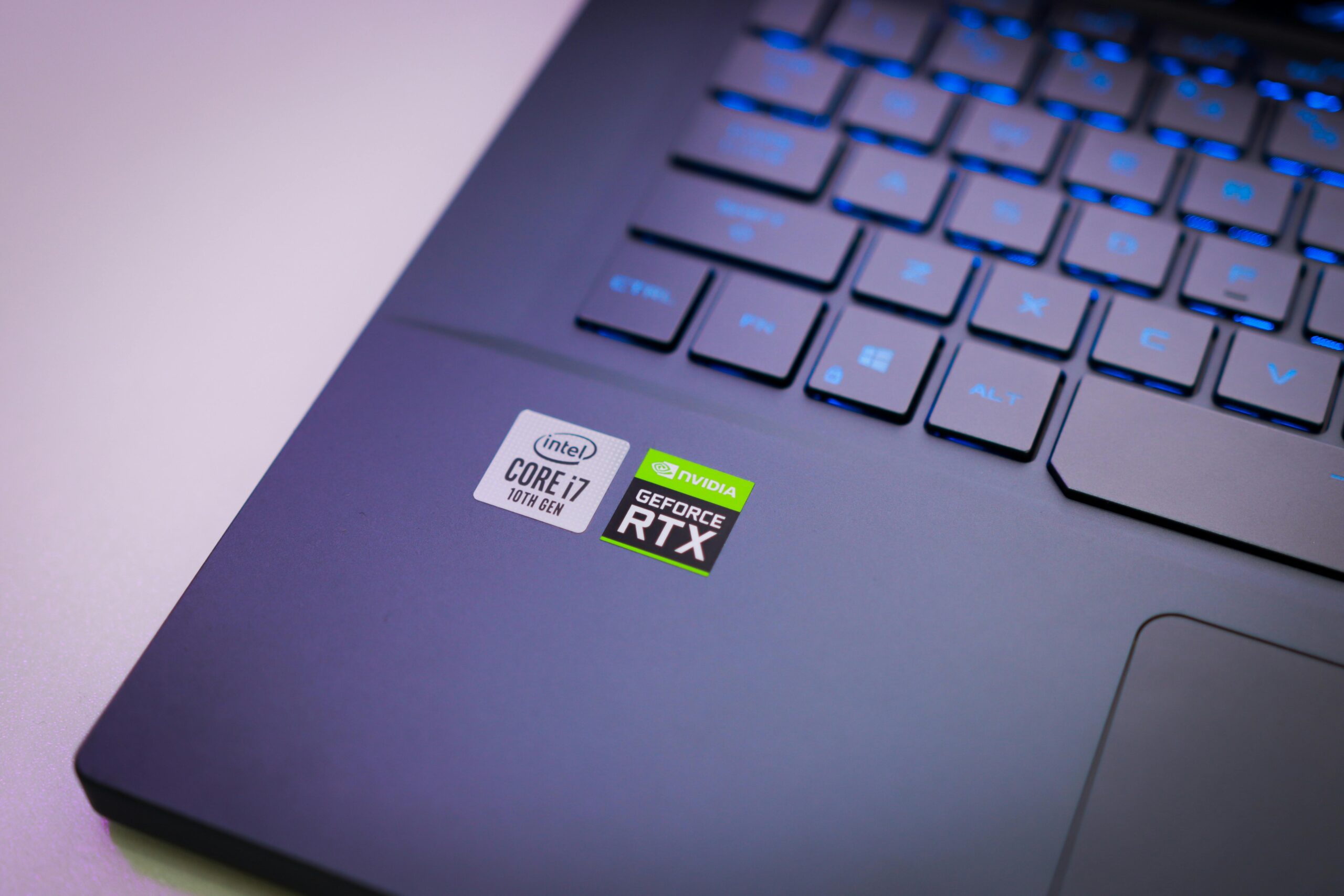
Choosing the right laptop in 2025 isn’t just about brand or price — it’s about matching the laptop type to your lifestyle, workflow, and long-term needs. One of the biggest decisions buyers face today is whether to go for a lightweight, premium ultrabook or a traditional laptop with more flexibility, ports, and performance. This guide explores the key differences, pros and cons, and which type fits different users best.
Understanding the Basics: Ultrabook vs Traditional Laptop
1. What is an Ultrabook?
Coined by Intel in 2011, an ultrabook refers to a thin, lightweight, and highly portable laptop with long battery life and premium features. In 2025, ultrabooks are:
- Slim and lightweight (usually 1–1.5 kg)
- Equipped with efficient, high-performance CPUs (Intel U-series, AMD U-series, or Apple M-series)
- Feature long battery life (10–20 hours in some cases)
- Often use fast NVMe SSD storage for speed
- Include premium build materials (aluminum, magnesium alloys) and high-resolution displays
Purpose: Designed for mobility, productivity, and long battery life, ideal for professionals, students, and travelers.
2. What is a Traditional Laptop?
A traditional laptop is the classic laptop form factor that balances performance, upgradeability, and cost. In 2025, these laptops may include:
- Slightly thicker chassis than ultrabooks (1.8–2.5 kg or more)
- CPUs optimized for performance (Intel H-series, AMD H-series)
- More ports and connectivity options
- Dedicated GPU options in some models for gaming or creative tasks
- Often more upgradeable with RAM and storage slots
Purpose: Designed for performance and versatility, often used for gaming, content creation, or heavy multitasking.
Key Differences Between Ultrabooks and Traditional Laptops
| Feature | Ultrabook | Traditional Laptop |
|---|---|---|
| Weight | Very light (1–1.5 kg) | Moderate to heavy (1.8–2.5+ kg) |
| Thickness | Slim, often <17mm | Thicker, can exceed 25mm |
| Battery Life | Long (10–20 hrs) | Moderate (5–10 hrs, depending on specs) |
| CPU | Low-power U-series / M-series | High-performance H-series / Ryzen H-series |
| GPU | Integrated or lightweight | Often includes dedicated GPUs |
| Storage | NVMe SSD (fast, limited space) | SSD or SSD+HDD (upgradeable) |
| Ports | Limited (2–3 USB, sometimes Thunderbolt) | Multiple ports (USB-A, USB-C, HDMI, Ethernet) |
| Upgradability | Usually fixed RAM/storage | Often upgradeable RAM and storage |
| Price | Premium ($800–$2500+) | Varies ($400–$1500+) |
| Ideal For | Professionals, travelers, students | Gamers, creatives, heavy multitaskers |
Performance Comparison in 2025
1. CPU & Performance
- Ultrabooks: Use low-power CPUs (Intel U-series, AMD U-series, Apple M2/M3). Optimized for efficiency, multitasking, and moderate productivity.
- Example: Intel i5-1340U or Apple M2 in MacBook Air
- Can handle office apps, browsing, video calls, light photo/video editing
- Traditional Laptops: Use high-performance CPUs (Intel H-series, AMD H-series). Optimized for raw power.
- Example: Intel i7-13700H, AMD Ryzen 7 7840H
- Can handle gaming, 4K video editing, programming, CAD software, multitasking
Takeaway: If your main tasks are moderate, ultrabooks are sufficient. For intensive workloads, traditional laptops perform better.
2. GPU & Graphics Performance
- Ultrabooks: Mostly integrated graphics (Intel Iris Xe, AMD Vega, Apple GPU). Can run light games and creative apps, but not AAA gaming at high settings.
- Traditional Laptops: Often include dedicated GPUs (NVIDIA RTX 40 series, AMD Radeon RX series). Can handle gaming, 3D modeling, rendering, and video editing.
Takeaway: For gamers and creatives needing GPU power, a traditional laptop is the better choice.
3. Storage & Upgradability
- Ultrabooks: Usually fixed RAM (8–16GB) and SSD storage (256–1TB). Upgradeability is limited.
- Traditional Laptops: Offer expandable RAM and storage, multiple M.2 slots, and sometimes an HDD bay. Ideal for users planning future upgrades.
Takeaway: If you plan to store large files or upgrade your laptop, traditional laptops are more flexible.
4. Display & Build Quality
- Ultrabooks: Premium screens (Full HD or 4K), OLED/IPS panels, slim bezels, high color accuracy — great for creatives and professionals.
- Traditional Laptops: Larger screens, more options for resolution, refresh rate, and sometimes better cooling for sustained performance.
Takeaway: Ultrabooks prioritize portability and image quality, traditional laptops prioritize screen size and versatility.
5. Battery Life
- Ultrabooks: Exceptional battery life (10–20 hrs) due to low-power CPUs and efficient design.
- Traditional Laptops: Moderate battery life (4–10 hrs), varies widely depending on GPU and CPU.
Takeaway: For mobility and all-day use, ultrabooks are unmatched. For plugged-in tasks or gaming, battery life matters less.
6. Ports & Connectivity
- Ultrabooks: Often limited to USB-C / Thunderbolt and 1–2 USB-A ports, some have microSD slots. Fewer legacy ports.
- Traditional Laptops: Multiple USB-A, USB-C, HDMI, Ethernet, headphone jack, card readers — great for connectivity and peripherals.
Takeaway: Ultrabooks are minimalist, traditional laptops are versatile for connecting multiple devices.
Who Should Buy an Ultrabook in 2025?
- Students & Professionals: Need lightweight, portable, and long-lasting devices for study or office tasks.
- Frequent Travelers: Premium thin & light design, long battery life for working on the go.
- Content Creators on the Move: Light photo/video editing, creative work, and high-quality display are key.
Examples:
- Apple MacBook Air M2/M3
- Dell XPS 13/15
- Lenovo Yoga Slim 7
- HP Spectre x360
Who Should Buy a Traditional Laptop in 2025?
- Gamers: Need high-performance CPUs, dedicated GPUs, and good cooling.
- Heavy Creatives: Video editors, 3D modelers, engineers, CAD users.
- Multi-taskers & Upgrade Enthusiasts: Need more RAM, storage, and ports.
- Budget-conscious users: Often cheaper than ultrabooks at similar performance levels.
Examples:
- Acer Nitro 5 / 7
- ASUS ROG or TUF series
- Lenovo Legion / IdeaPad Gaming series
- Dell G series
Pros & Cons Overview
Ultrabook Pros
- Lightweight, portable
- Premium build and display quality
- Long battery life
- Efficient performance for work & study
Ultrabook Cons
- Limited ports and connectivity
- Less powerful for gaming or heavy workloads
- Usually more expensive
Traditional Laptop Pros
- High performance (CPU + GPU)
- Expandable RAM & storage
- More ports and connectivity options
- Generally better cooling
Traditional Laptop Cons
- Heavier and bulkier
- Shorter battery life
- Not as sleek or stylish
Price Comparison in 2025
- Ultrabooks: $800–$2500+ depending on specs, brand, and display quality
- Traditional Laptops: $400–$1500+ depending on performance, GPU, and brand
Tip: If you prioritize portability and battery life, ultrabooks justify the premium. If performance and versatility matter more, traditional laptops offer better value at lower price points.
Other Considerations
1. Software Ecosystem
- Ultrabooks: macOS or Windows optimized for efficient workflows.
- Traditional laptops: Primarily Windows, can run Linux for developers or gaming.
2. Durability
- Ultrabooks: Premium materials, but slimmer design may be less impact-resistant.
- Traditional laptops: Heavier, often more rugged.
3. Long-term Usage
- Ultrabooks: Efficient CPUs and SSDs offer longevity if tasks remain light.
- Traditional laptops: Upgradeable, better for heavier tasks as software requirements increase.
Conclusion: Which One Should You Buy in 2025?
- Buy an Ultrabook if:
- You value portability, style, and long battery life.
- Your tasks are productivity-focused, cloud-based, or creative on a light scale.
- You travel frequently or need a premium device.
- Buy a Traditional Laptop if:
- You need high performance for gaming, content creation, or multitasking.
- You want upgradeability and multiple ports.
- Budget constraints make ultrabooks expensive at comparable specs.
In 2025, the decision comes down to your lifestyle and usage needs. If you prioritize mobility, choose an ultrabook. If you need power and flexibility, a traditional laptop is your best bet. Knowing the difference ensures you invest wisely and get a laptop that will serve you well for years.